



Keyboards are crumb and dust magnets, not to mention home to more germs than a kitchen bench. A quick Koh clean will breakdown built up grease from fingers and have it fresh, hygienic and typing like new.
What you need
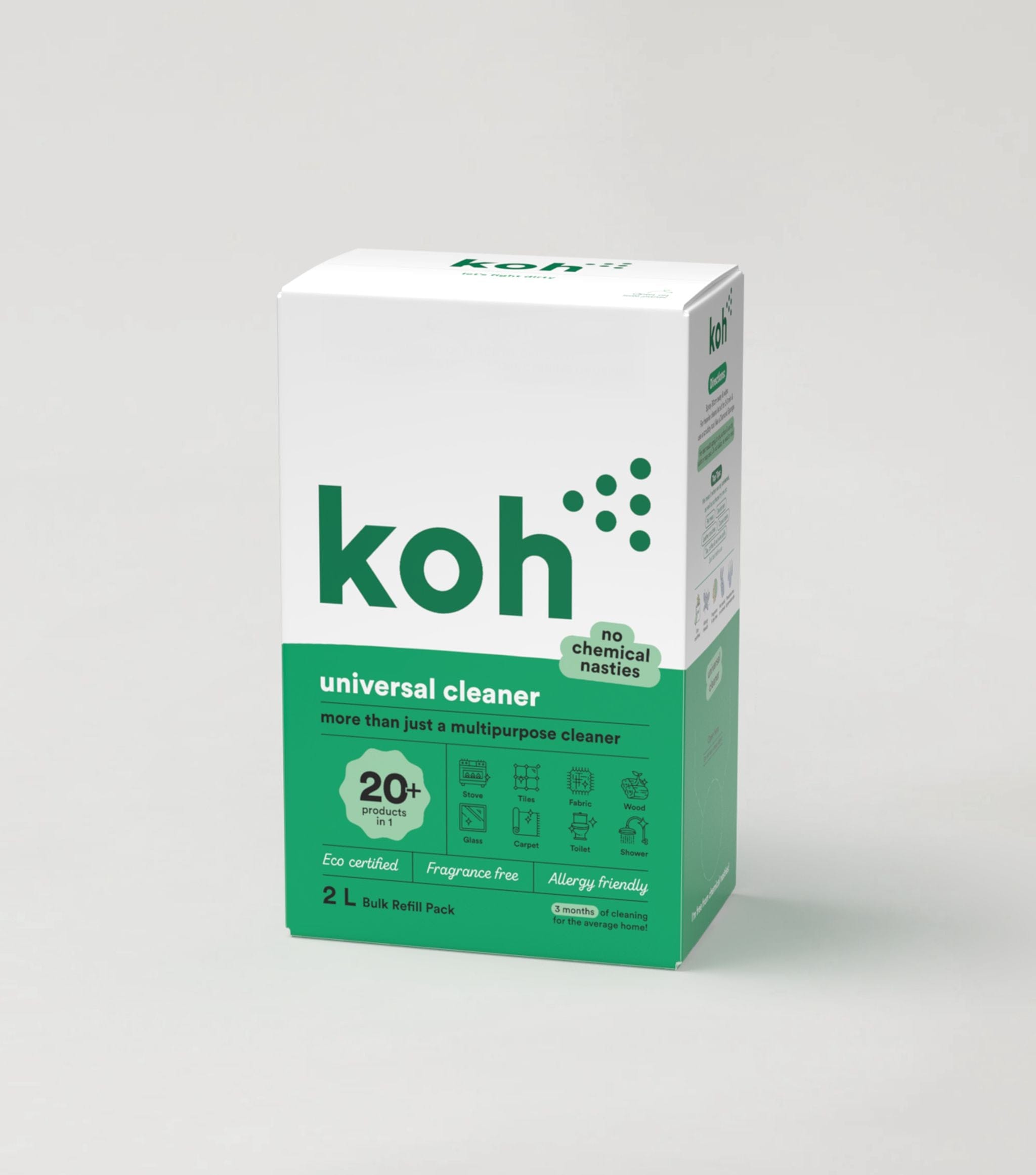
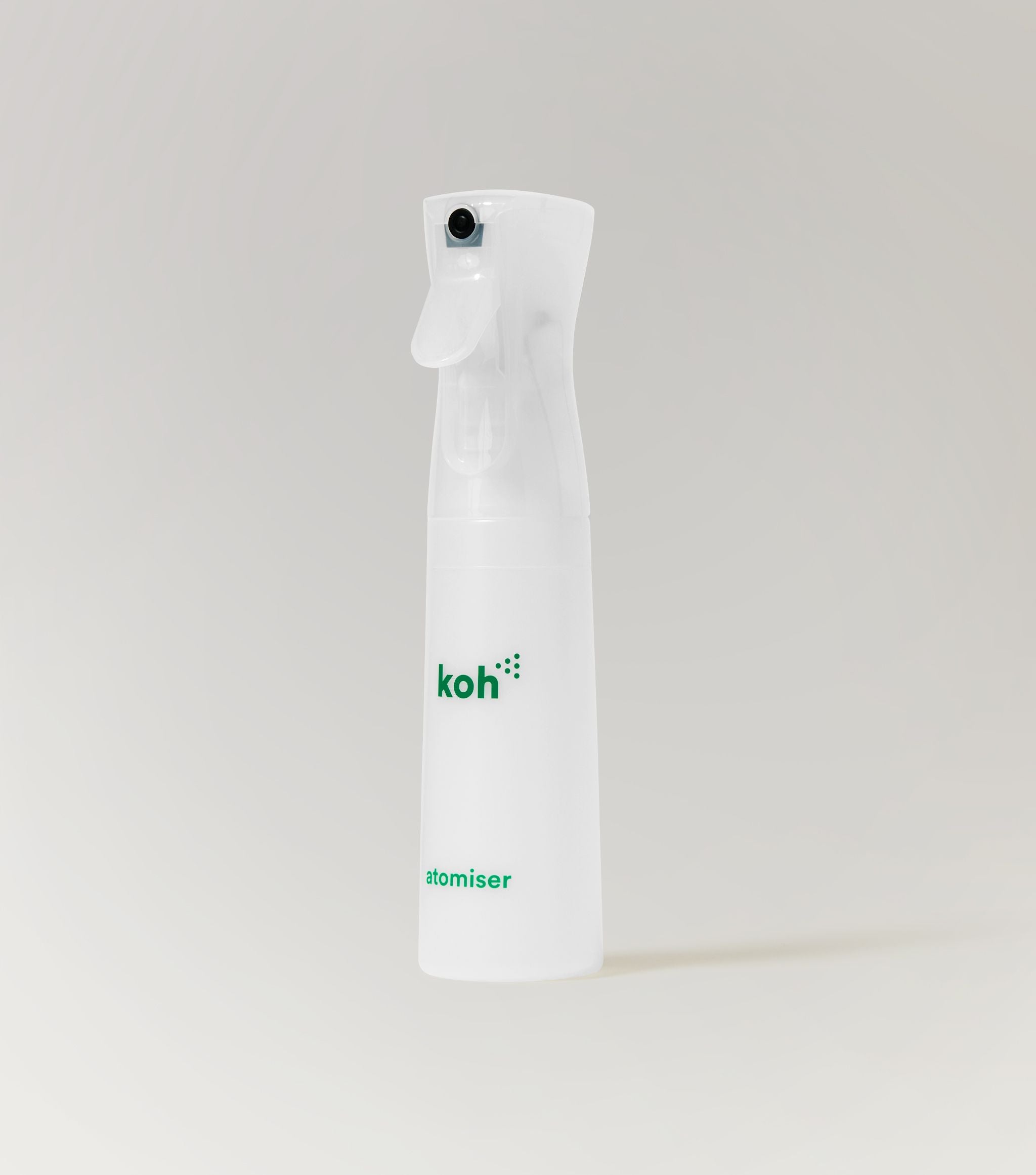
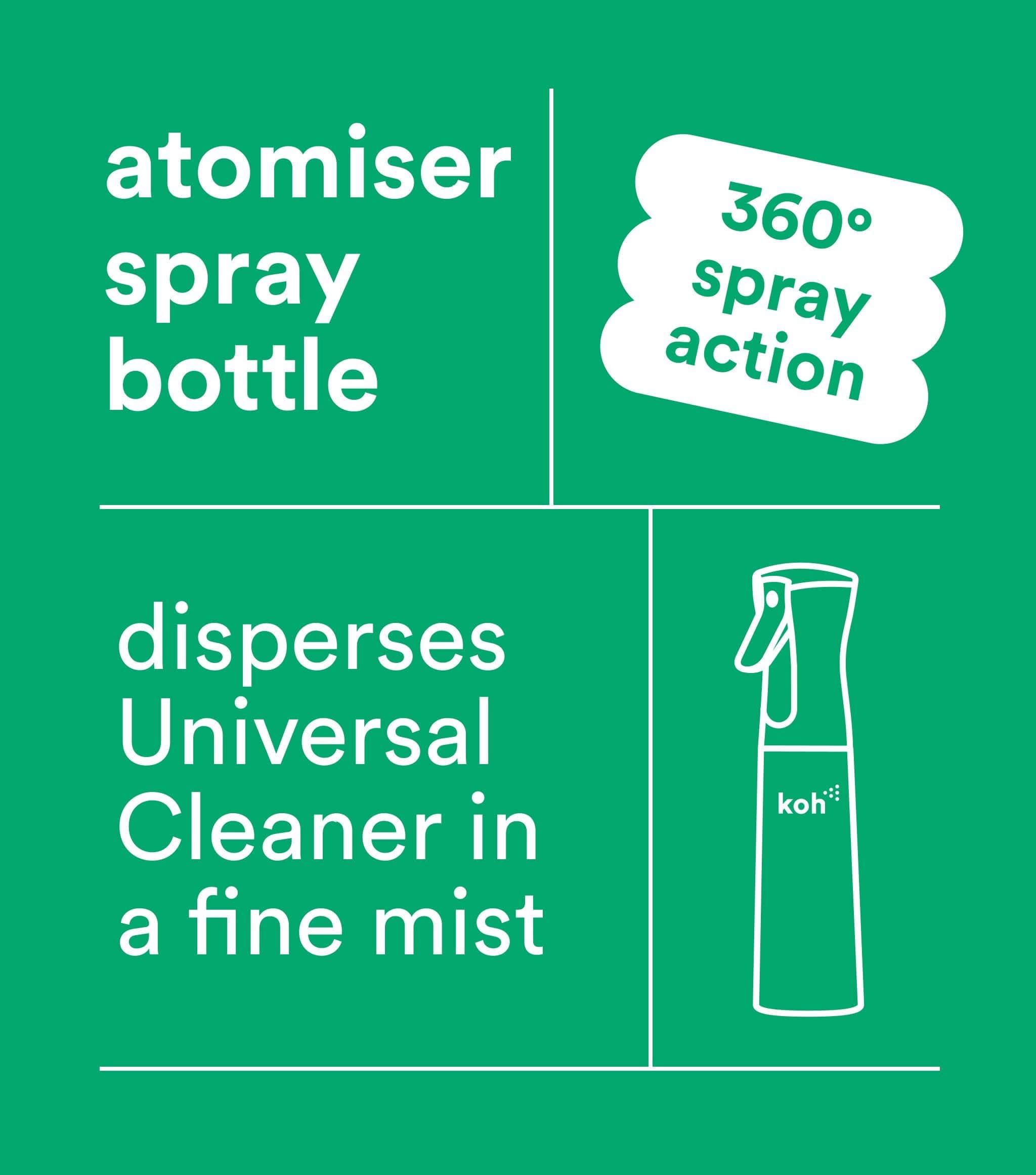
✔ Universal Cleaner with Atomiser
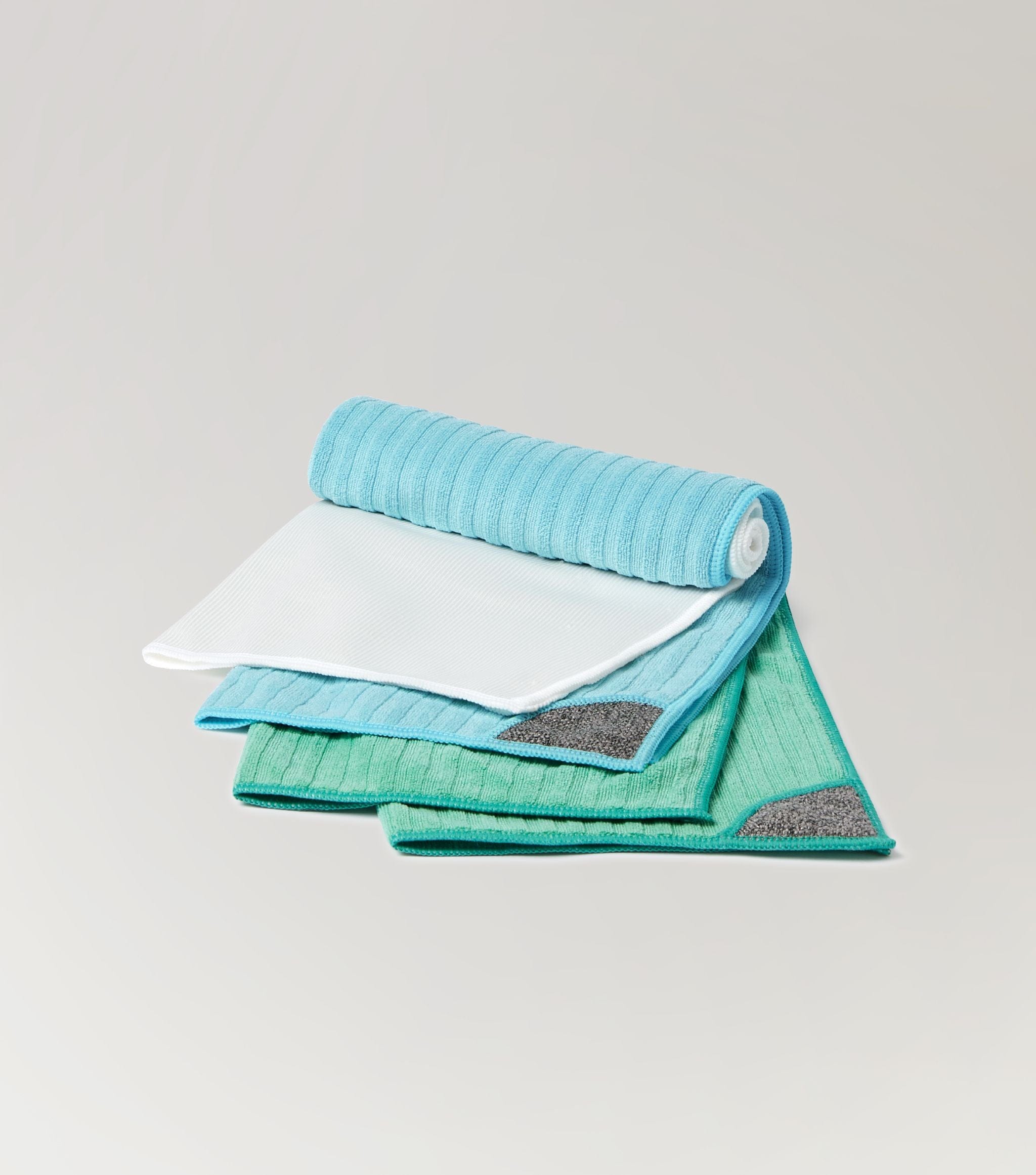
✔ Universal Cloth
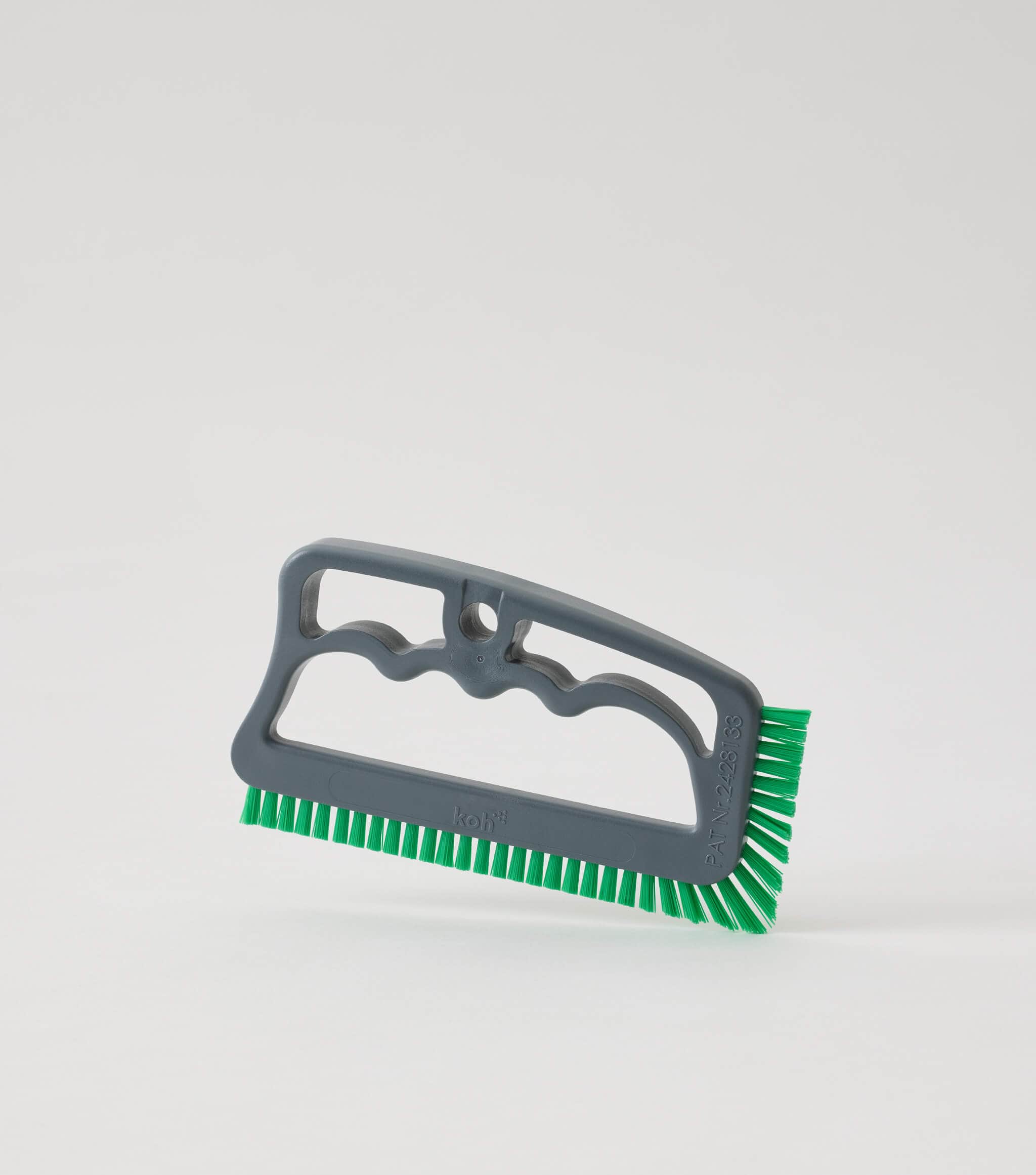
✔ Grout Brush
Step-by-step guide
Step 1
Unplug or switch off your keyboard before cleaning.
Step 2
Spray Universal Cleaner onto a Universal Cloth and gently wipe the surface and keys, avoiding excess moisture.
Step 3
For dirt and crumbs between keys, use a Grout Brush to sweep out debris.
Step 4
Wipe again with the Universal Cloth to remove any loosened particles and finish with a dry buff using the clean side of the cloth.
Pro tip
Turn your keyboard upside down and give it a gentle tap before cleaning — it helps dislodge hidden crumbs for a deeper clean.