


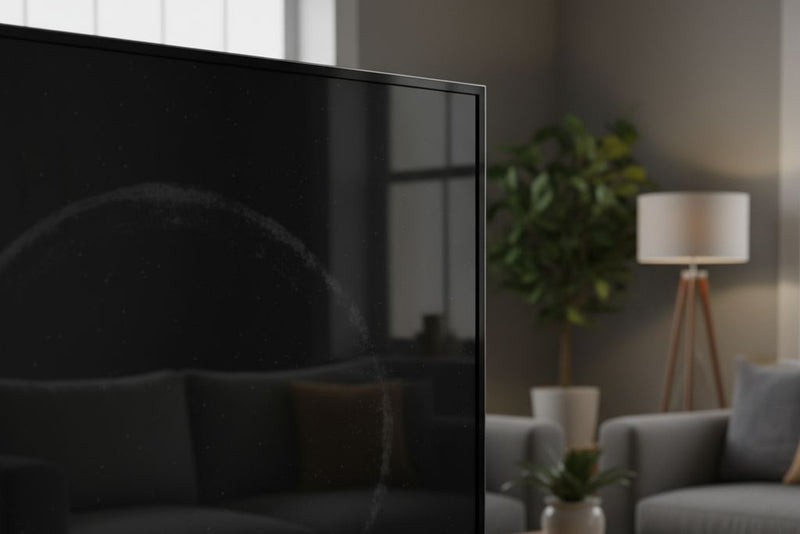
Is your TV starring in its own dust documentary? 📺 Change the channel to squeaky clean with Universal Cleaner and a little TLC.
What you need
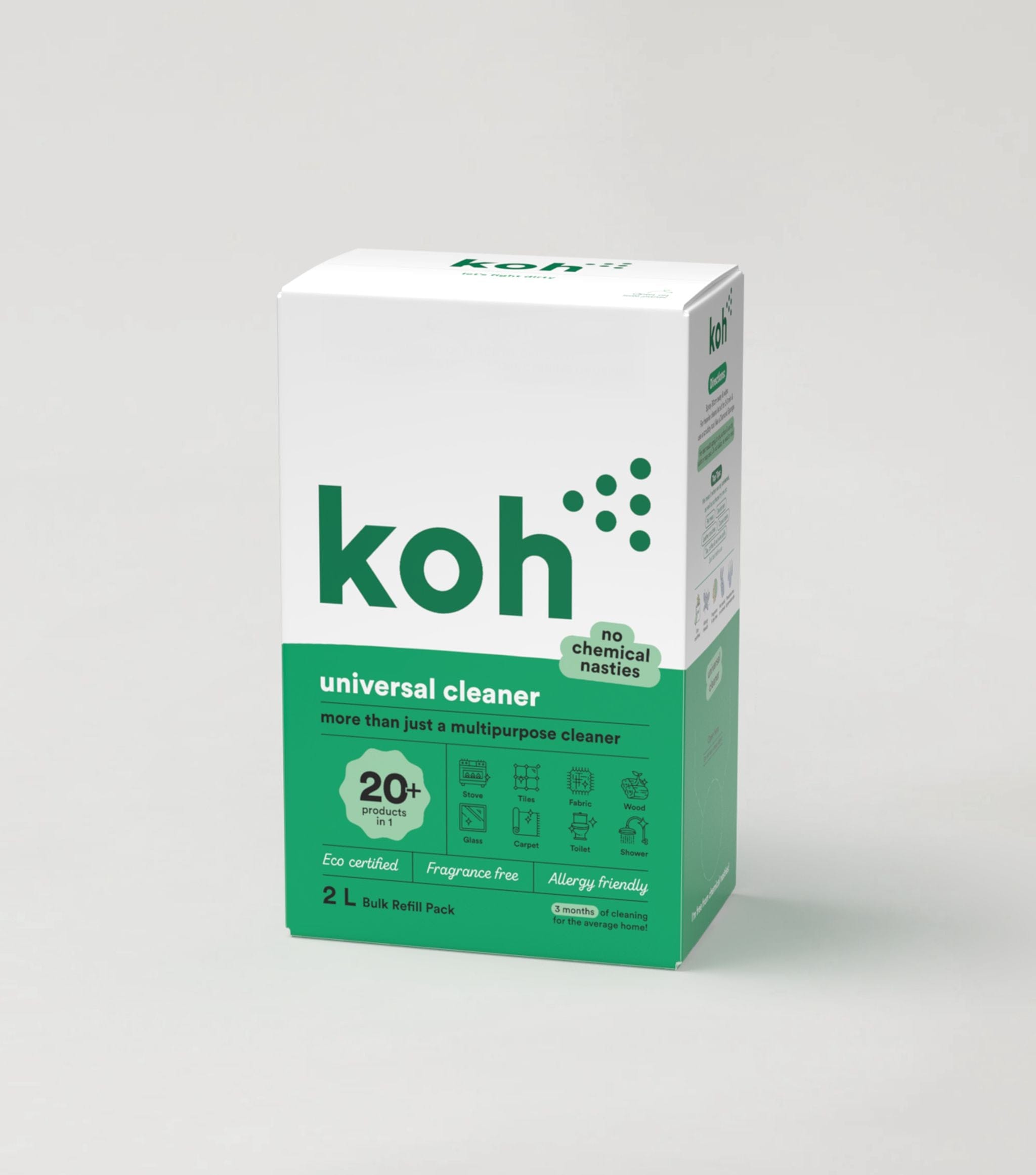
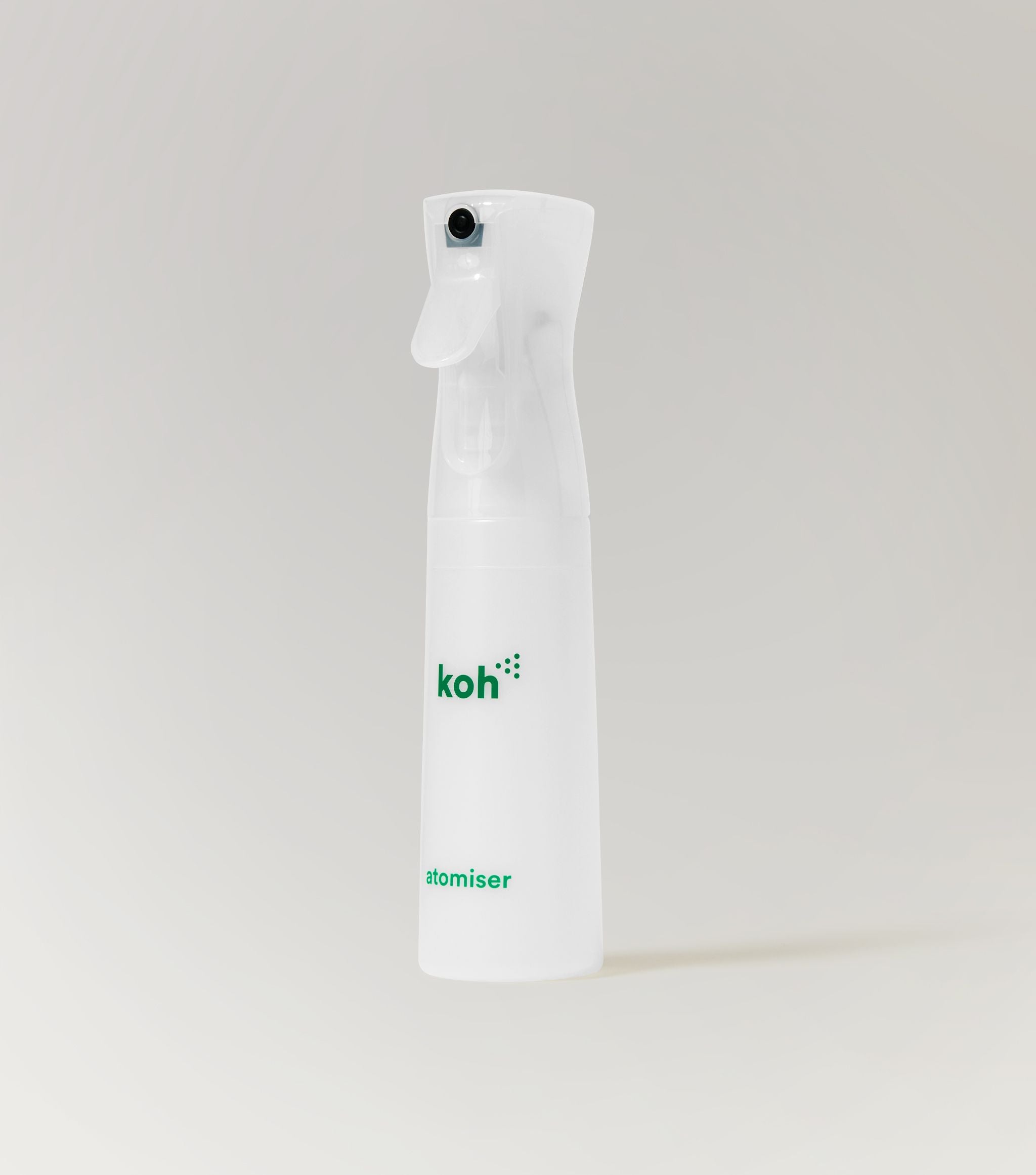
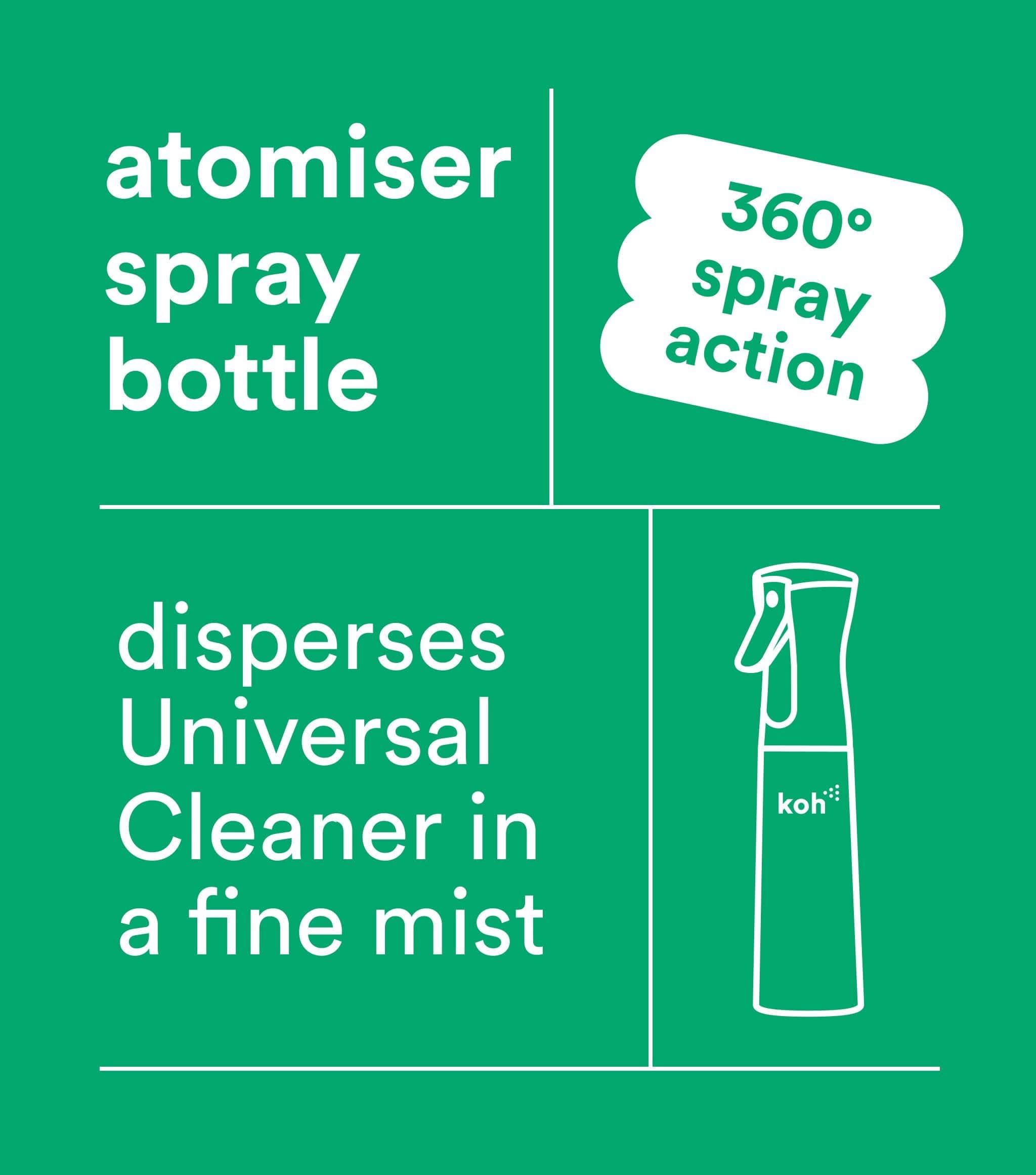
✔ Universal Cleaner with Atomiser
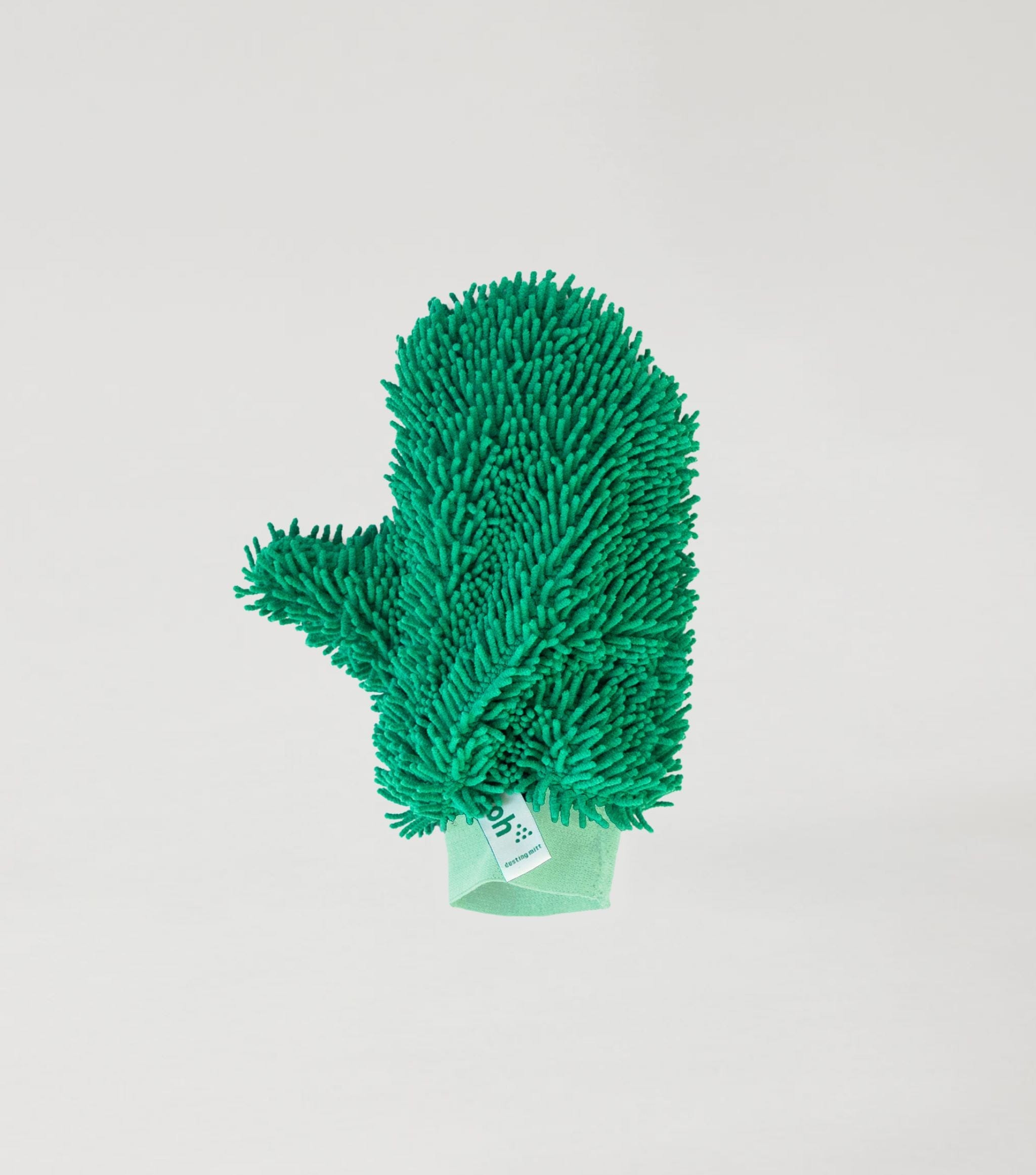
✔ Dusting Mitt
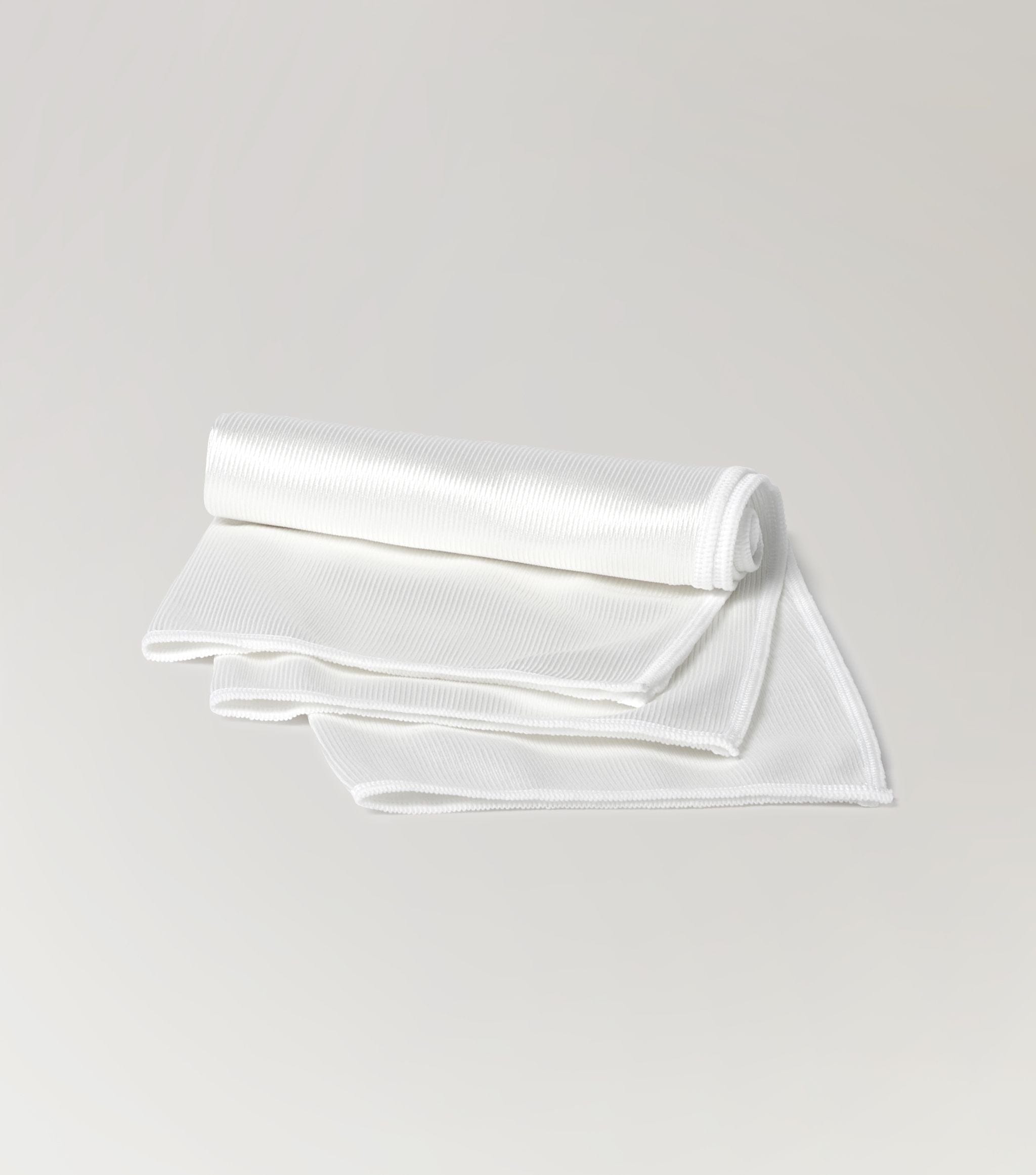
✔ Glass Cloth
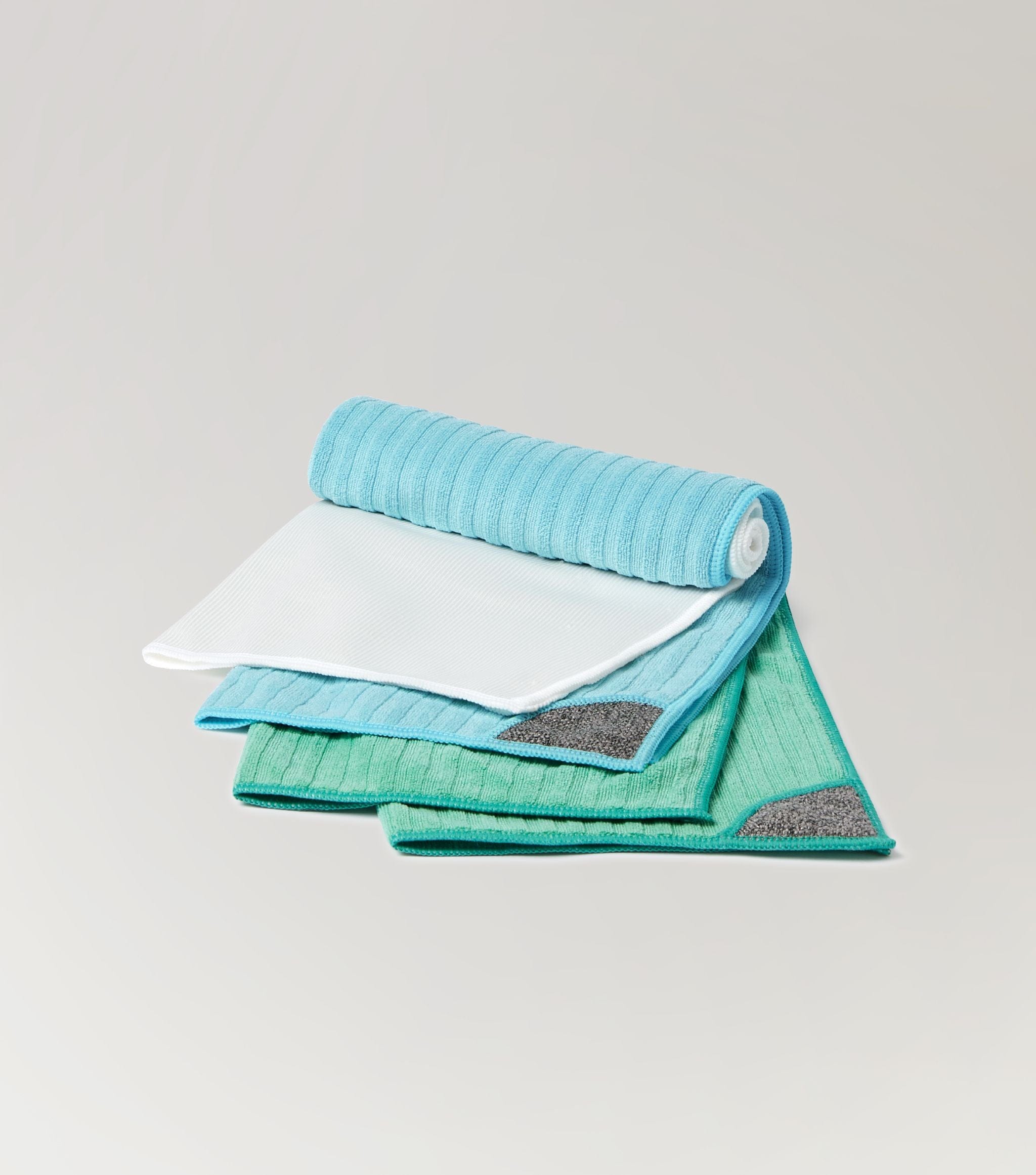
✔ Universal Cloth
Step-by-step guide
Step 1
Turn off and unplug your TV before cleaning.
Step 2
Dust the screen gently with a Dusting Mitt to remove loose particles.
Step 3
Lightly spray a Universal Cloth with Universal Cleaner and wipe the screen in soft, circular motions.
Step 4
Buff with the Glass Cloth for a streak-free finish.
Step 5
Clean the stand and back panel using a Universal Cloth dampened with Universal Cleaner.
Step 6
Don’t forget the remote! Remove batteries, wrap in a lightly dampened cloth, and give it a gentle massage clean.
Pro tip
Always check your TV’s manual — some screens need extra care.
Safety first: Never spray cleaner directly onto the screen, and avoid touching the glass with bare hands.
Other notes
• Routine: Aim for a quick dust with the Dusting Mitt once a week, and a deeper clean once a month.
• Static tip: If dust builds up quickly, gently wipe the screen edge with a dry Glass Cloth to help reduce static cling.
• Remote hygiene: For a deeper clean, use a cotton swab lightly dampened with Universal Cleaner to get between remote buttons.