



Light switches and remotes: handled more than the TV snacks, but rarely cleaned. Time to give these high-touch hotspots a quick refresh.
What you need
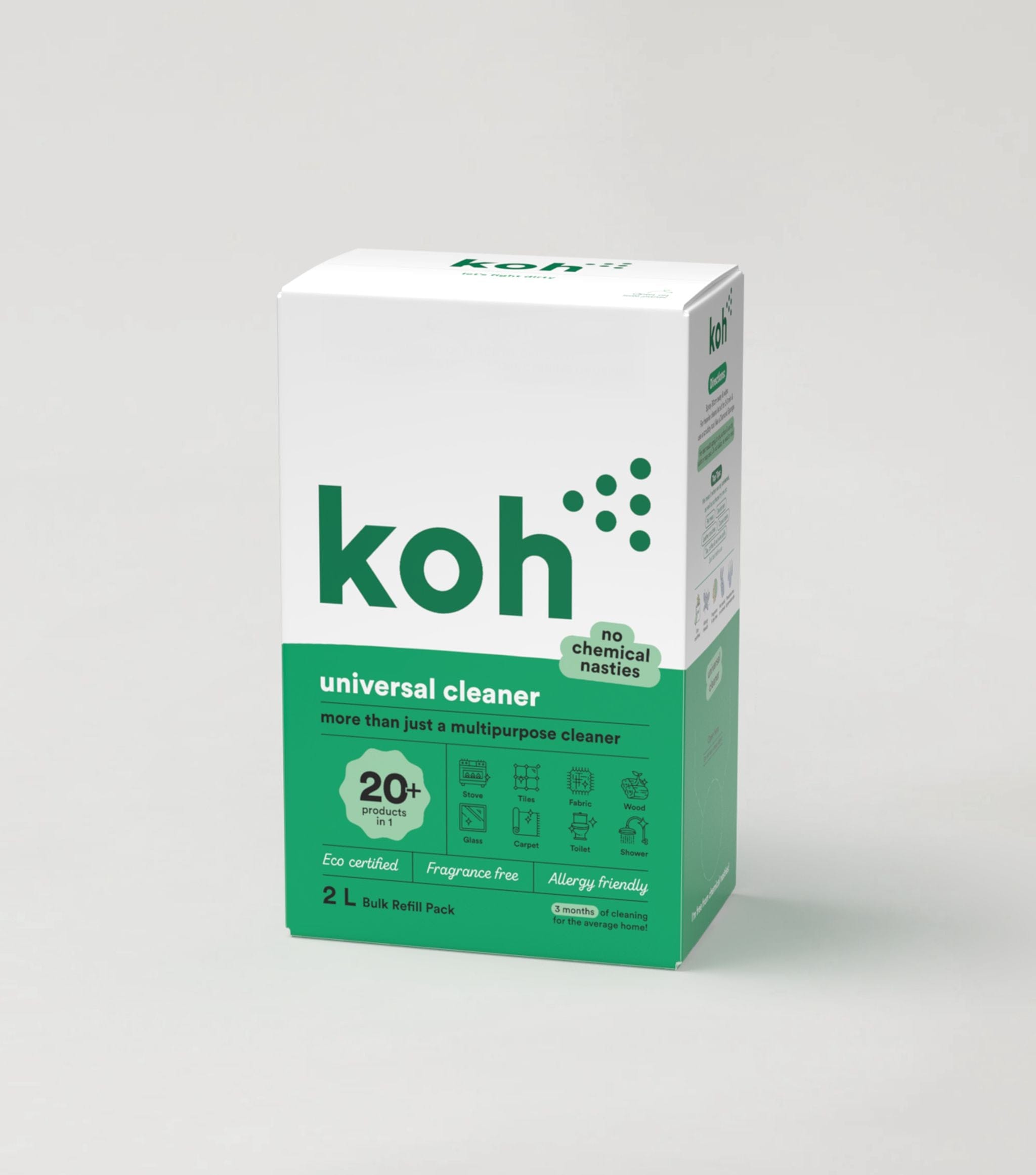
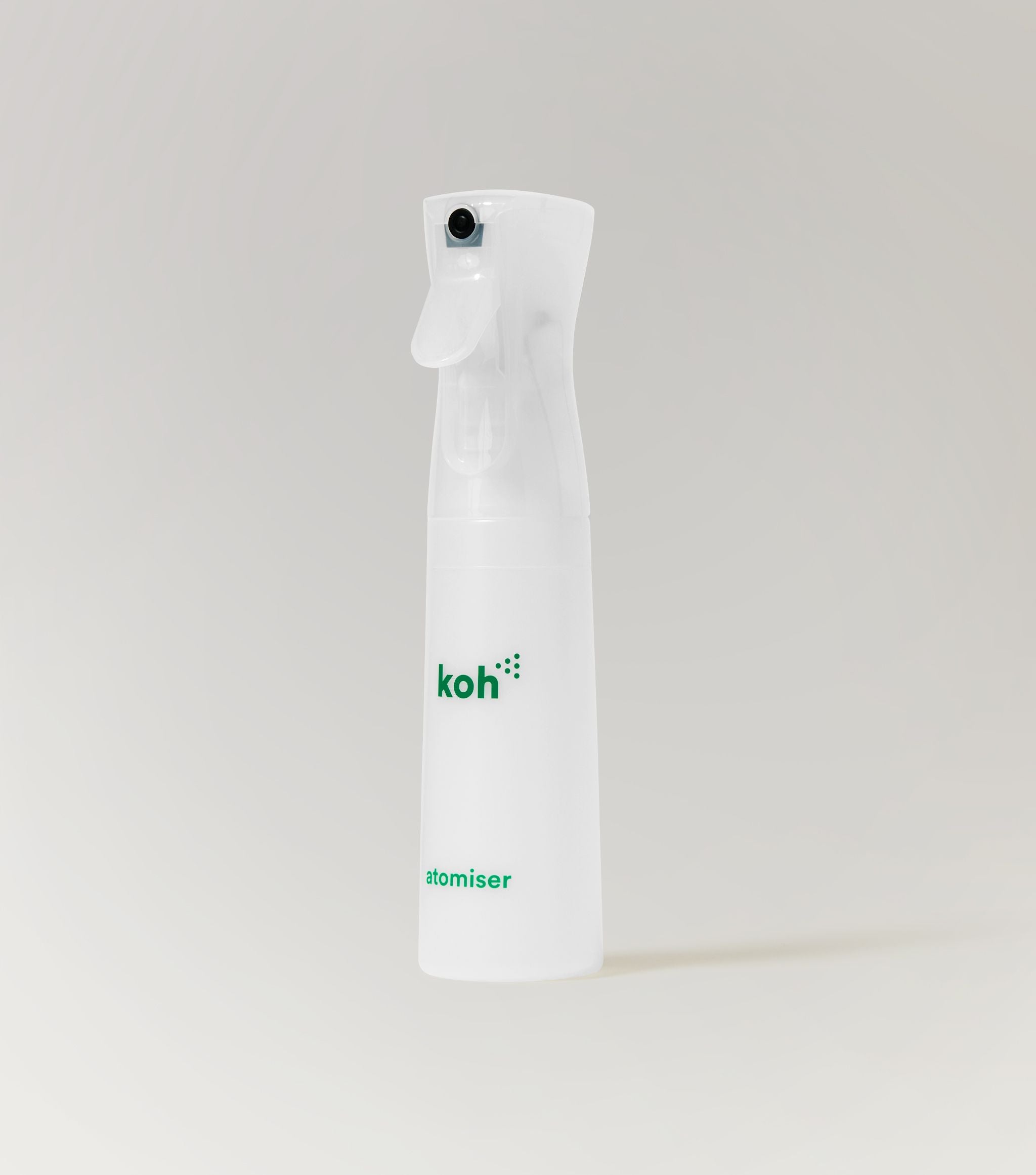
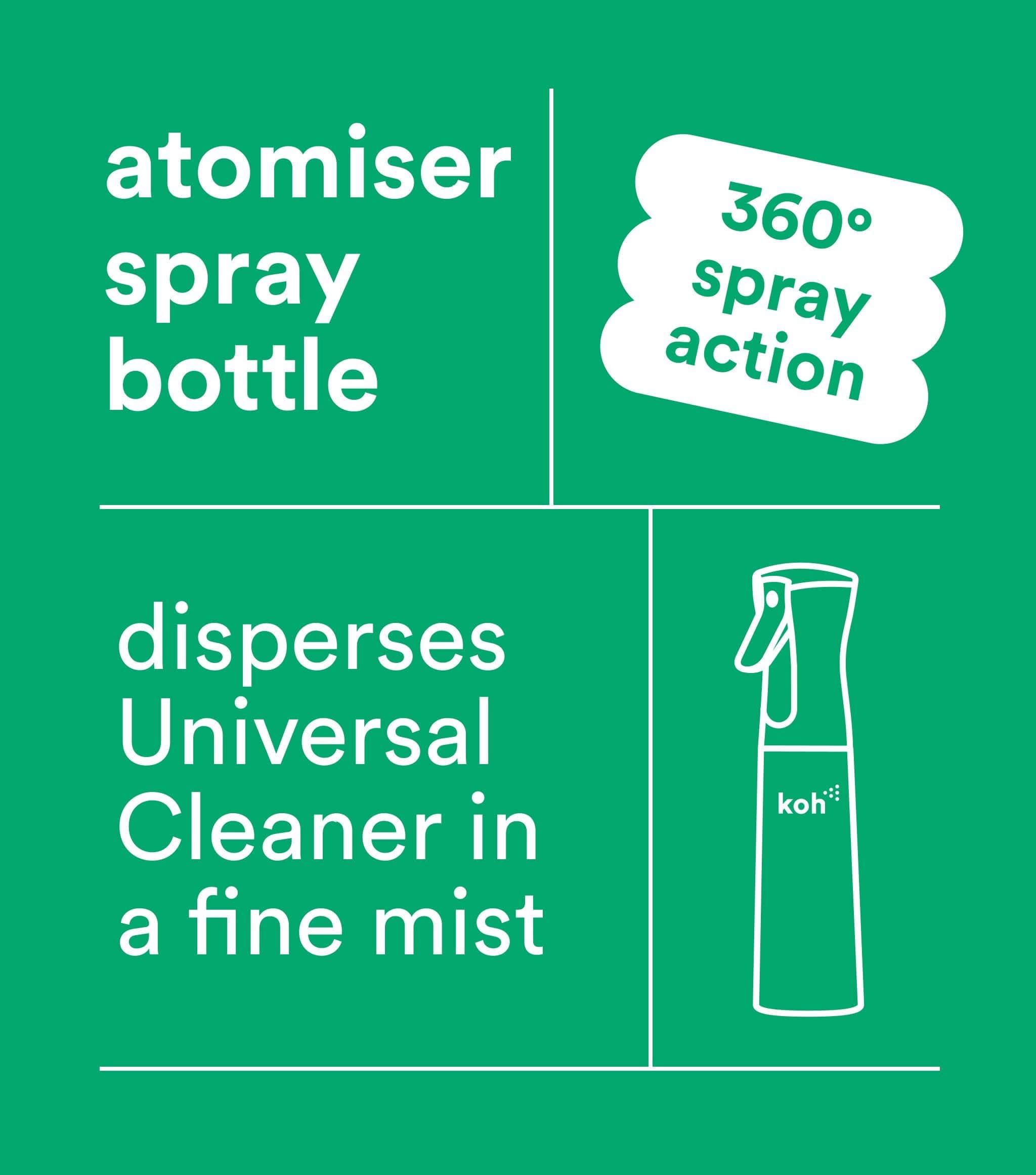
✔ Universal Cleaner with Atomiser
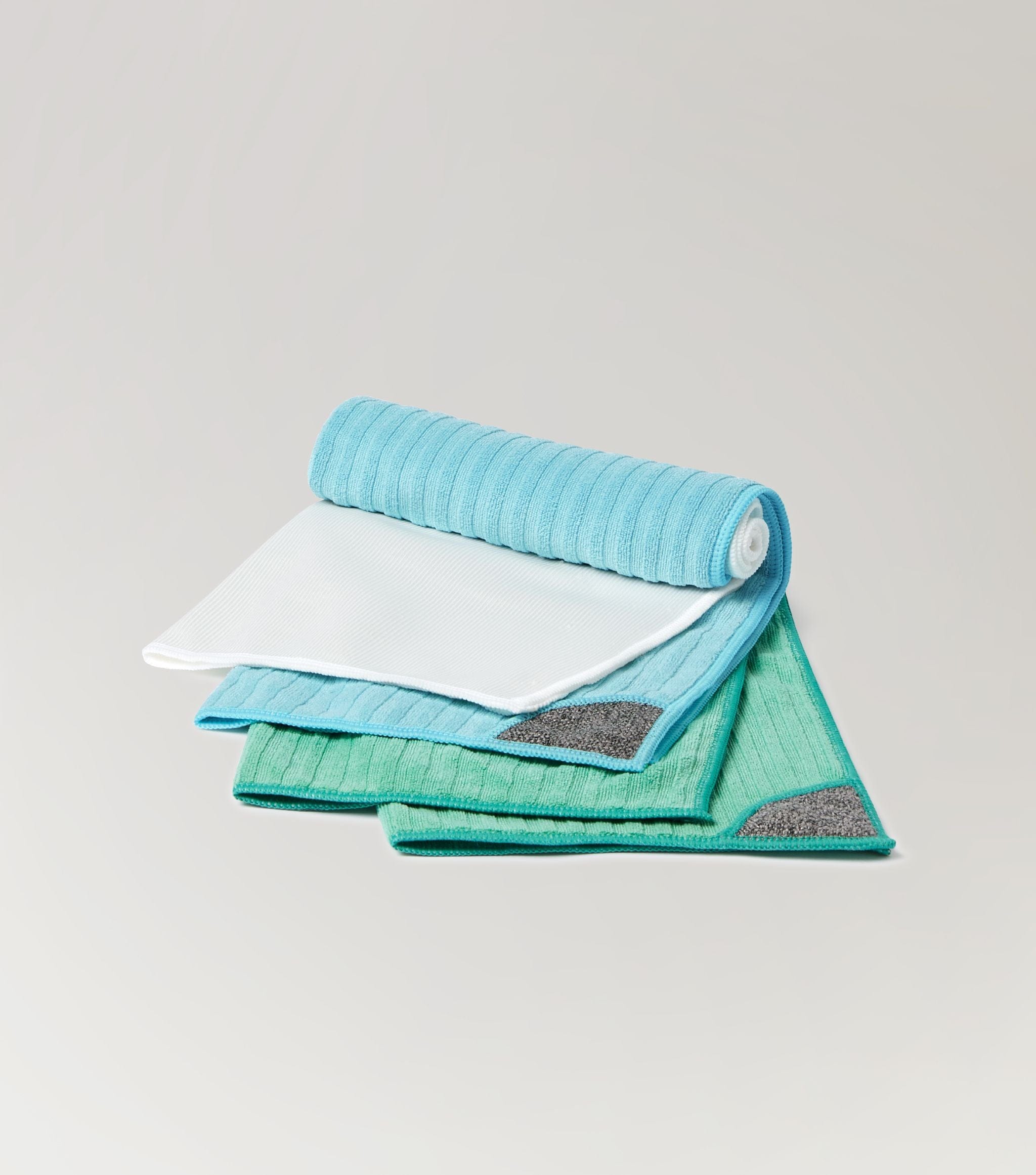
✔ Universal Cloth
✔ Cotton swabs (optional)
Step-by-step guide
Step 1
Turn off the light switch at the wall and remove batteries from remotes.
Step 2
Lightly dampen a Universal Cloth with Universal Cleaner — never spray directly.
Step 3
Wipe over switches, switch plates, and remote exteriors.
Step 4
For any stuck-on bits, use the no-scratch Scrubby Corner of your Universal Cloth.
Step 5
Use a cotton swab lightly dampened with Universal Cleaner to clean between remote buttons and crevices.
Step 6
Allow everything to dry fully before turning power back on or reinserting batteries.
Pro tip
Make this part of your weekly clean — especially during flu season.
Safety first: Never over-wet cloths; too much liquid risks seeping into switches or remotes.
Other notes
• High-traffic zones: Prioritise switches near kitchens, bathrooms, and entryways — they collect the most grime.
• Kids’ rooms & play areas: These often need extra attention thanks to sticky fingers and mystery smudges.
• Allergy season: Regular cleaning helps reduce pollen, dust, and allergens that transfer from hands to surfaces.